Components

Components are the building blocks of your website. From buttons and image cards to accordions and tabs, these reusable design elements help you present content in a clear, consistent and engaging way.

Each component is designed to align with UNC Charlotte’s brand and accessibility standards, giving you flexibility while ensuring a cohesive user experience across our web ecosystem.

Use this guide to explore available components, understand their best uses, and learn how to implement them effectively.
Big Image Block
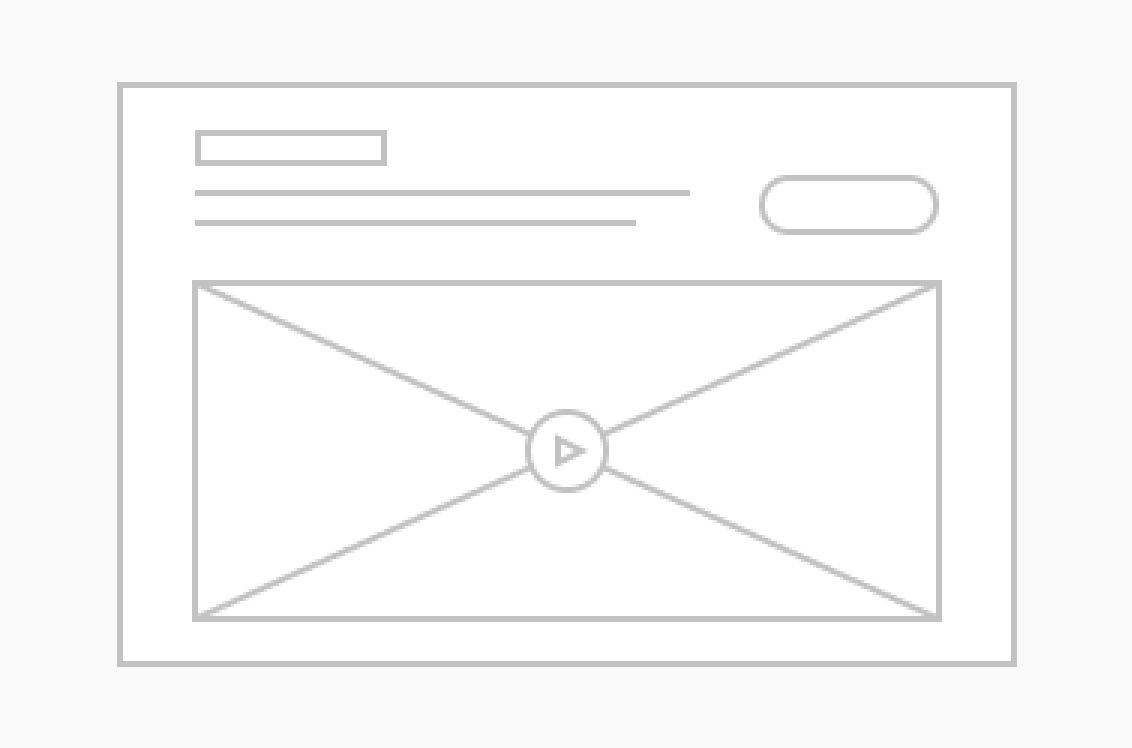
Big Image / Video
An immersive way to show off great photography and video while mixing in CTAs.
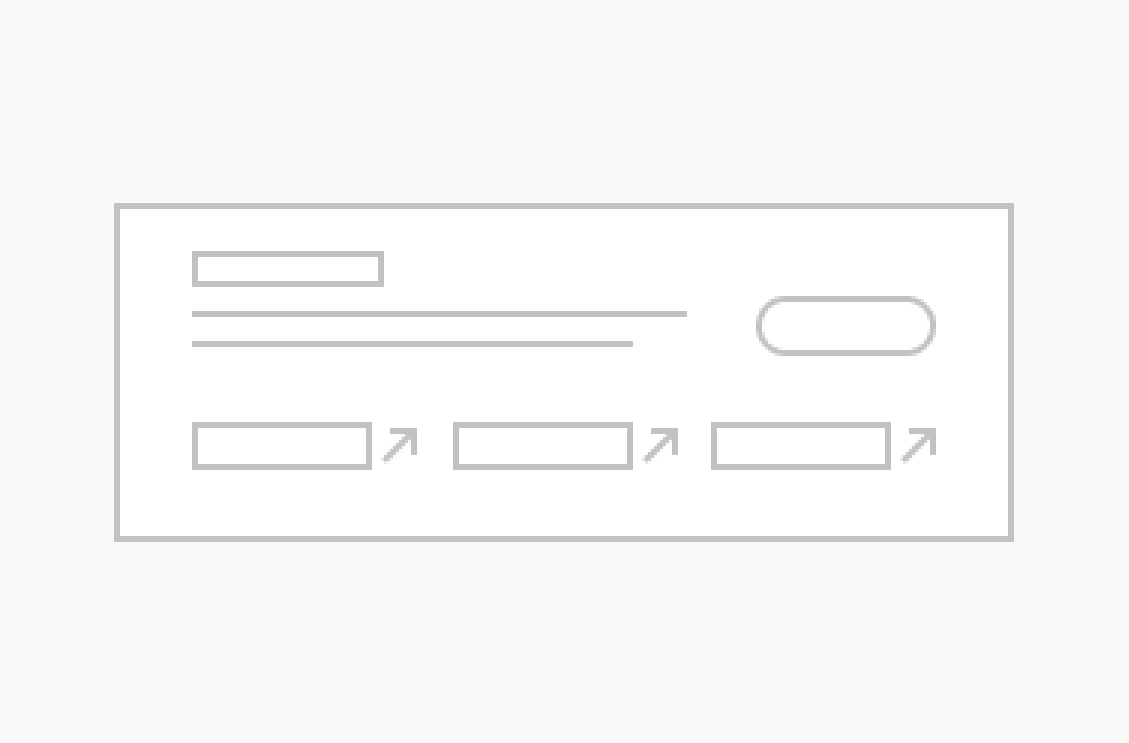
Blocklink Card
An impactful way to include a few links that need a little more punch than a simple button.
Blocklink Cloud
An impactful way to include a few links with a simple button.
Child-Menu Icon
Child Menu
The Child Menu block automatically displays the sub-pages (child pages) of the current page, helping visitors navigate deeper sections of your site with ease.
Contact-Form Icon
Contact Form
The Contact Form block lets you easily add a simple, contact form to your page so visitors can get in touch with you.
Call To Action Double Block
CTA Double
The CTA Double-style allows two calls to action in the same component.
CTA Grid
The CTA Grid includes an optional header and description, this block directs users to multiple calls to action.
Call To Action Image Block
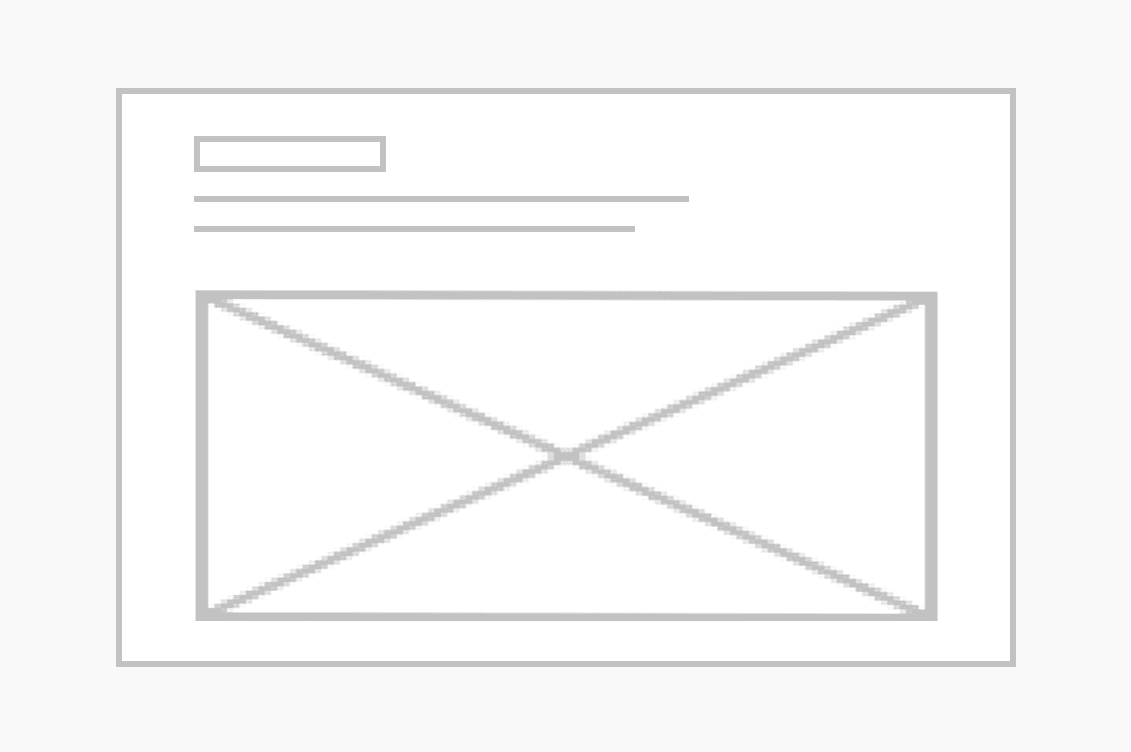
CTA Image
Display a photo along with a title and description to direct users to a call to action. Great for storytelling!
Call to Action Simple Icon
CTA Simple
Grab users’ attention with a simple title and description to direct them to singular calls to action.
Image Card Block
Event Cards
Feature and list your events to create excitement and drive engagement.
Contact-Form Icon
Form Embed
Create a custom “Request for More Information” form requiring web-services review and approval.
Icon Card Block
Icon Cards
Call out some important points, each with their own icon.
Image Card Block
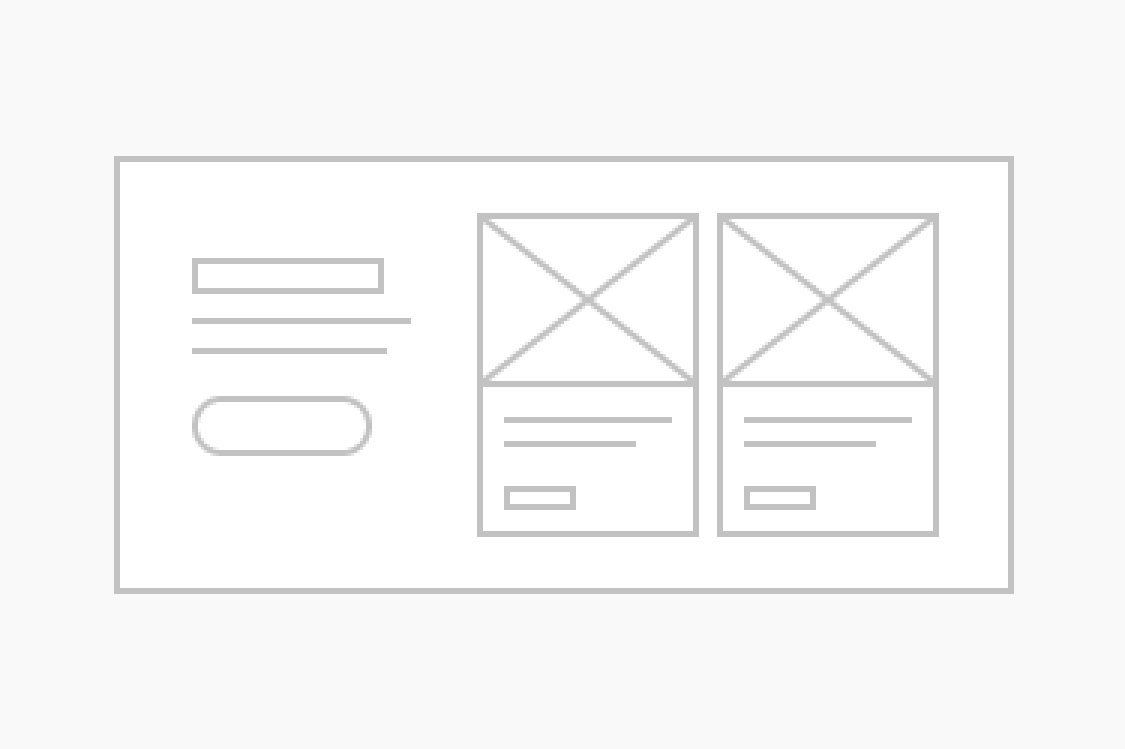
Image Card
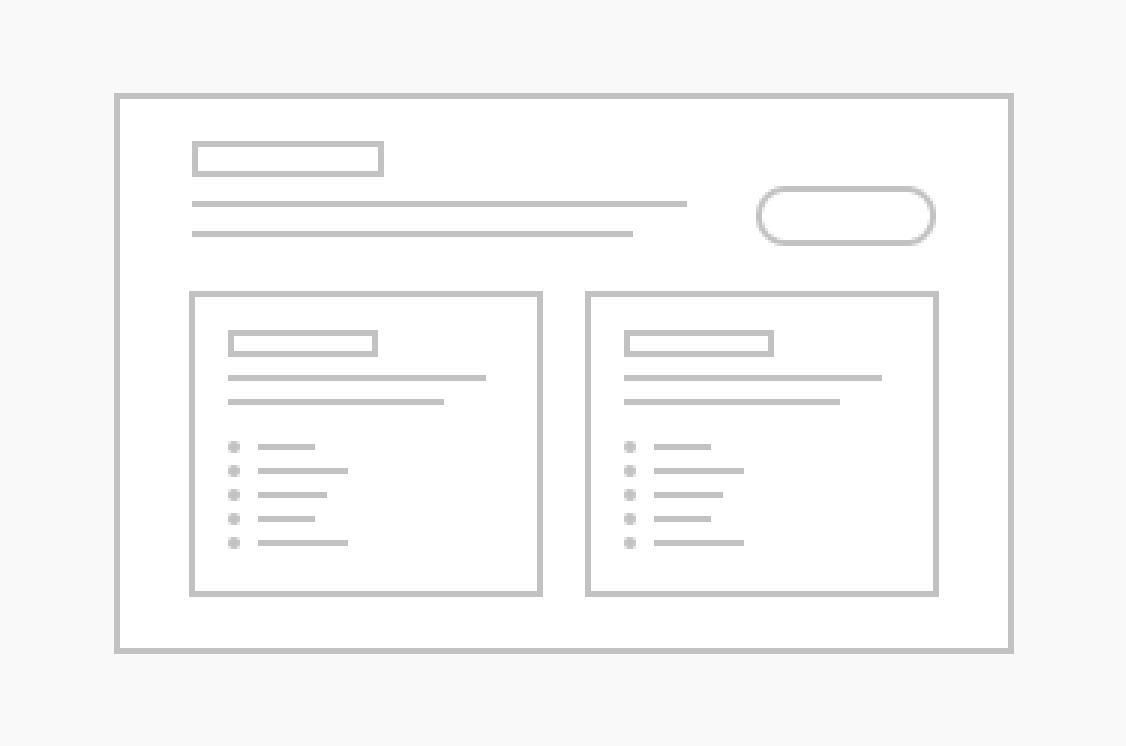
A super versatile component that lets you list content, display images, organize info and more.
Image Carousel Block
Image Carousel
Call out some important points, each with their own image.
Image Gallery Block
Image Gallery
Let users explore your content by including a collection of images.
Info Block
Info Card
The information card is a versatile content element used to highlight important messages with distinct visual cues.
Jump Links Block
Jump Links Menu
Add anchor links that let users jump to key sections instantly.
Link List Block
Link Lists
List out lots of helpful links in an easy-to-scan manner.
Page Header Block
Page Header
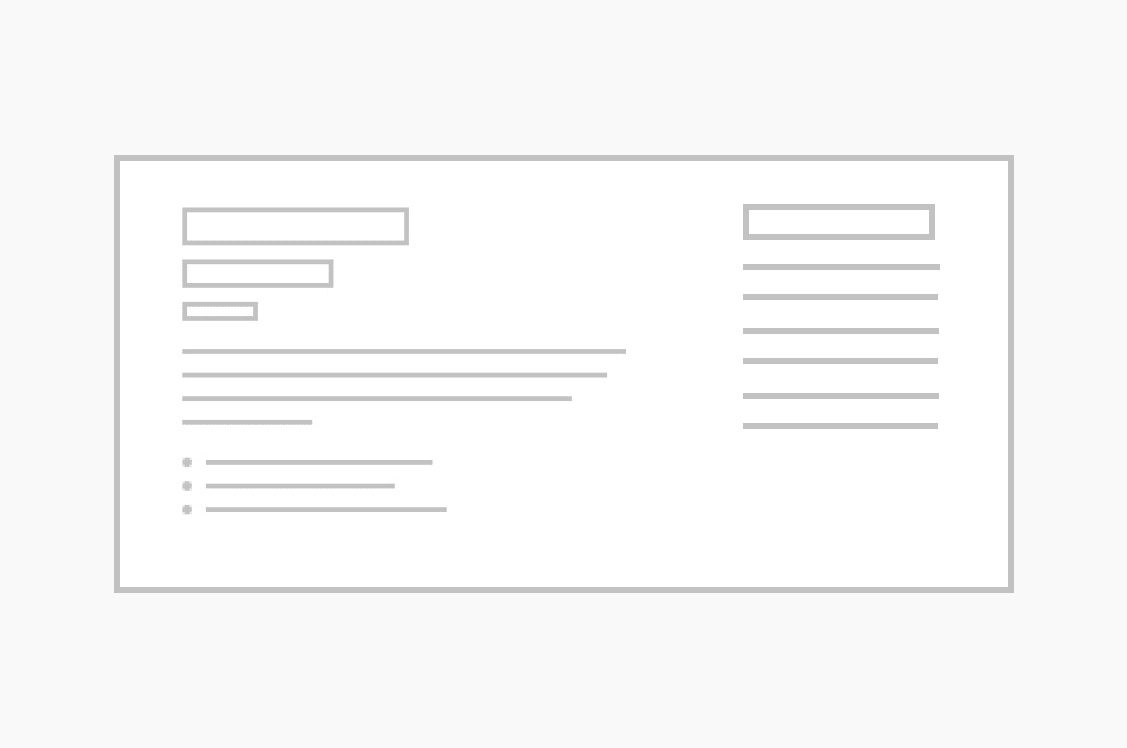
A page header displays your page’s title and an optional image. Choose from small (no image), medium or large (with images) headers for your pages.
People Card block
People Cards
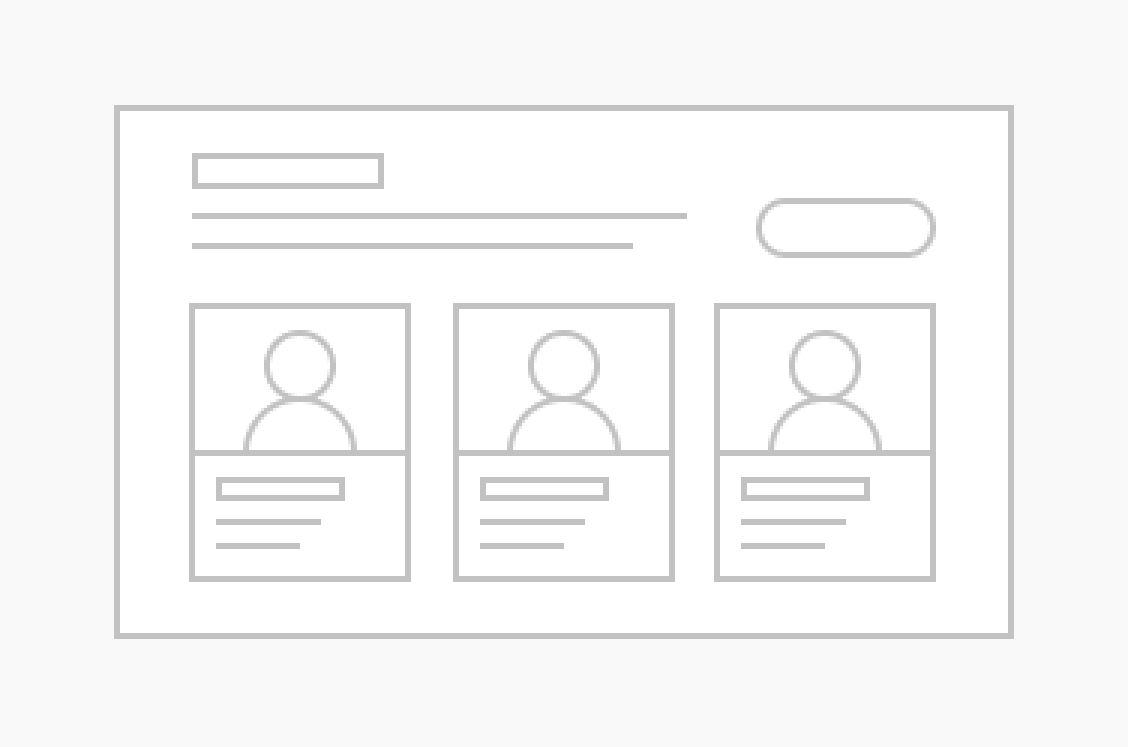
The people card is a customizable block designed to display staff or team member information on your site.
Post Card Block
Post Cards
The post block / snippet embed is a content module designed to showcase your latest updates, announcements or articles in a clean, organized format.
Call to Action Simple Icon
Program Search
Section Block
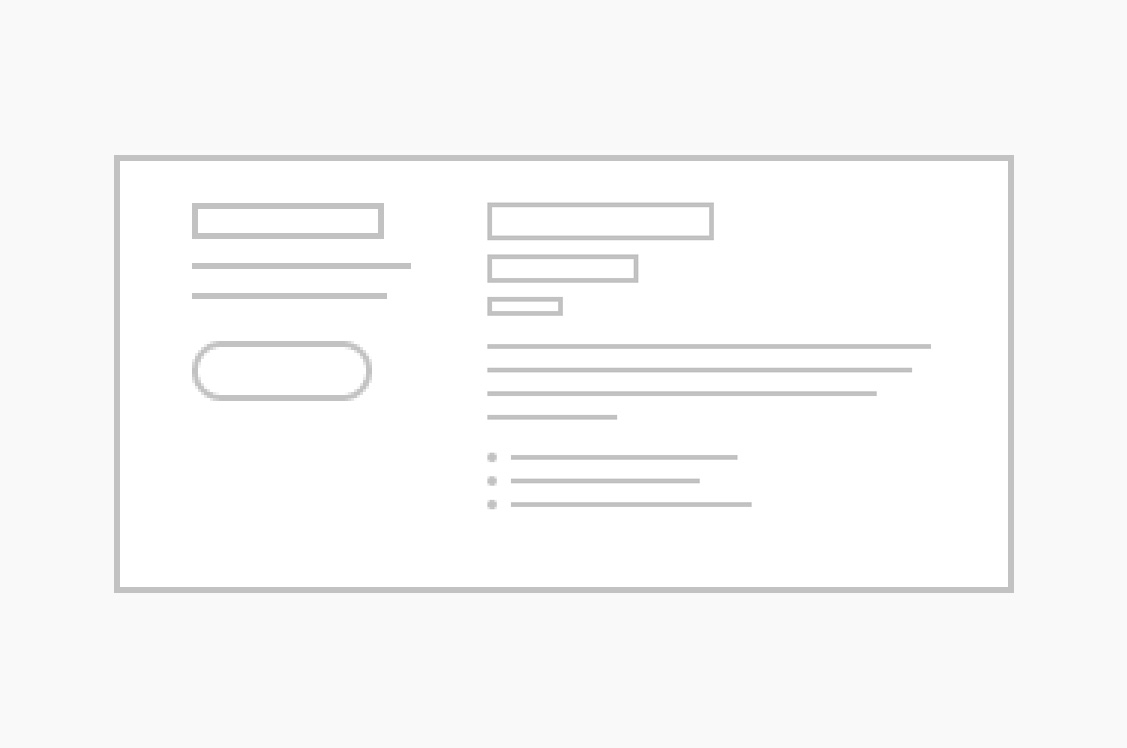
Section
The section component is used to contain other elements/components when necessary. It includes an optional header, description and CTA button, which can be displayed either on the top or the side of the section.
Slider Block
Slider
A slider block allows you to display multiple images or content through slides that users can navigate.
Contact-Form Icon
Snippet Embed
Statistic Card Block
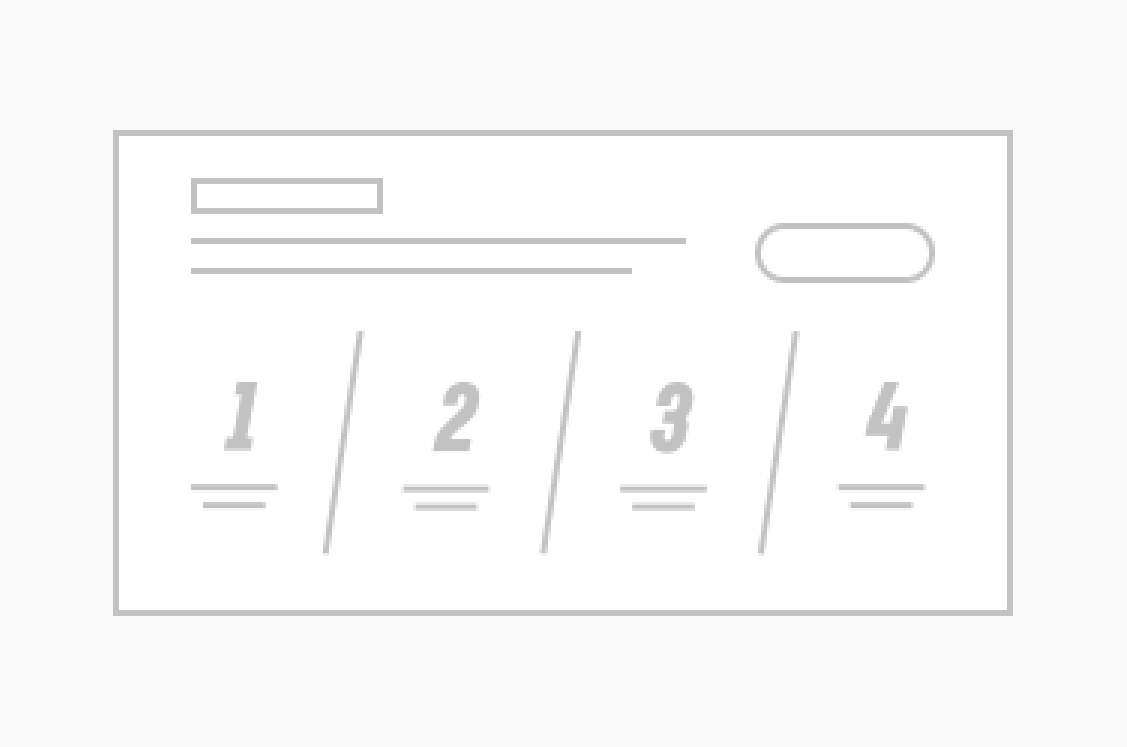
Stat Card
Call out important figures with a component that makes big numbers feel special.
Testimonials
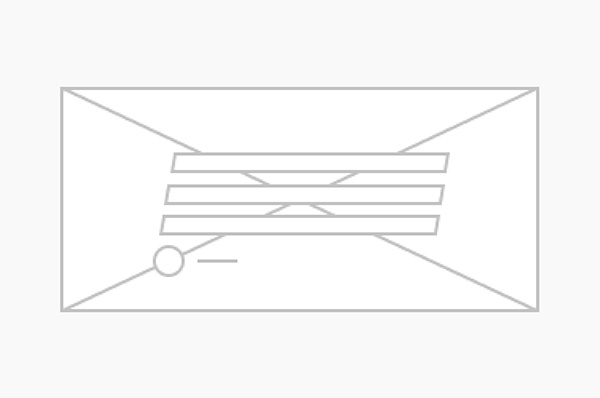
Let students or alumni do the talking and add some social proof to your page.