
Section Component

The section component is a way to add a section with a colored background to your page. It includes an optional header, description and CTA button, which can be displayed either on the top or the side of the section.

When To Use This Component

Use the Section Component Block when you need to visually group related content and create clear separation from other areas of the page. This component is especially useful for drawing attention to important information or actions while maintaining a consistent page layout.

USE CASES OR SCENARIOS


Component Do’s and Don’ts

There might be a time when you don’t know whether to use a Section Block component or not. Here are some examples of how to effectively use a Section Block component and when you shouldn’t use one:

DO

Use the header to clearly communicate the section’s purpose by keeping headings concise and meaningful. Descriptions should remain brief and focused, using short sentences or paragraphs that quickly convey value to the reader. CTA buttons should be used sparingly and intentionally, always linking to a clear and relevant next step. Choose the top or side layout strategically—top-aligned content supports linear reading, while side-aligned content works well alongside visuals or in multi-column layouts. Finally, ensure that all content within the section is directly related, with every element supporting a single, clear idea or goal.

DON’T

Avoid overloading the section with too much content by keeping text concise and focused, and do not include multiple competing messages or long text blocks. The component should not be used purely for decoration, each section must serve a clear purpose or user need. Finally, do not group unrelated content together simply to fill space or take advantage of a colored background.


Component Design Options

Below are the Section Block component design options, with explanations of each and guidance on proper usage.

EDITABLE PARTS:


The example below shows the Section Block in use, along with the selected configuration options.

Header Title

This is the section heading description. Lorem ipsum dolor sit amet, consectetur adipisicing elit.

Lorem ipsum dolor sit amet consectetur adipisicing elit. Sunt vel sequi, eius quasi ipsam quae eos tempora maiores excepturi, aspernatur ad facilis? Doloribus qui facilis voluptates quidem provident laboriosam quod.

Maiores dolores dolore itaque consequuntur impedit culpa dignissimos nemo quidem, quae autem quod eum blanditiis. Facere, quia, sequi, dicta itaque blanditiis hic accusamus illo officiis fugit non nostrum ipsum mollitia.
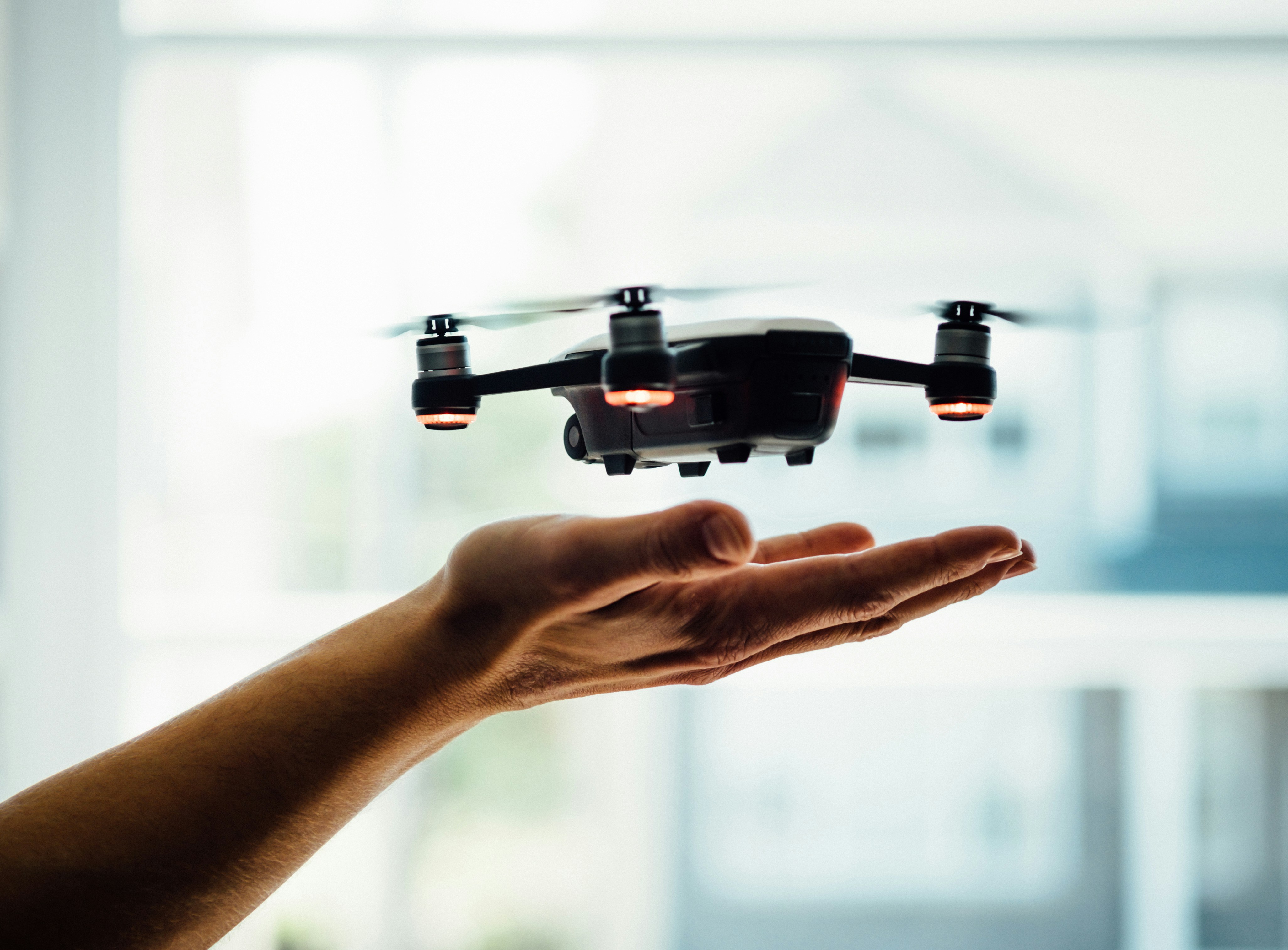
Dose Media
This is a caption for an image. I’m intentionally making it very long to see how well things wrap with my styles.

Aptent euismod nascetur proin ridiculus venenatis velit felis nulla vel, tellus ac non aenean mi curae penatibus porttitor parturient sociis, facilisi posuere consequat senectus ultricies fames suscipit aliquet. Augue egestas quam convallis justo tincidunt risus enim interdum, dignissim sodales cursus hac sollicitudin cum nostra habitasse a, litora montes purus class venenatis duis tempus. Ultrices curabitur ad et nam integer leo magna platea, tellus hendrerit consequat ut egestas ante mauris, mi hac aliquet nisi at sapien mollis.